
Coupons
Activate your coupons for orders in the app and at the kiosk
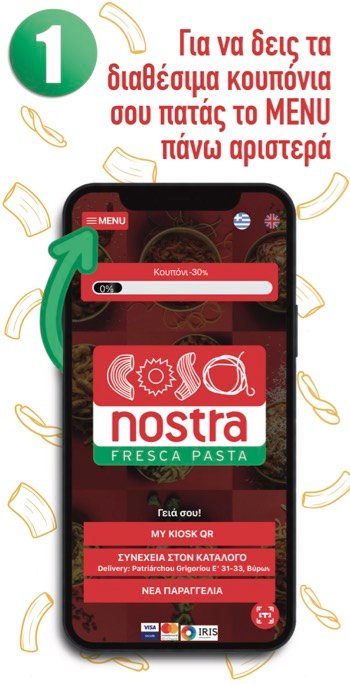
Open the app menu to view the available coupons.
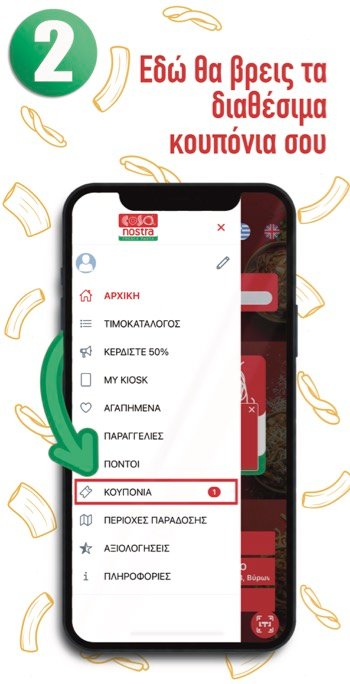
Select “MY COUPONS” to view your available coupons.
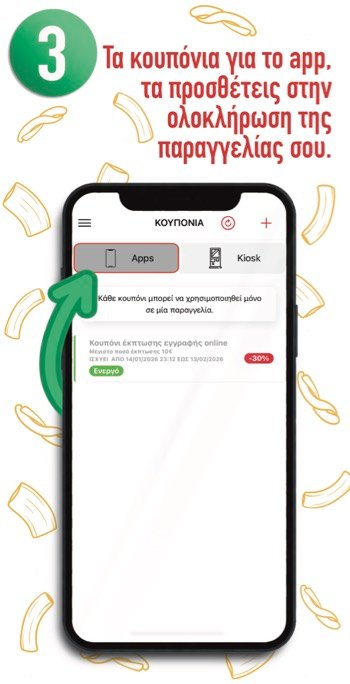
Coupons in the “Apps” tab are added to your order automatically.
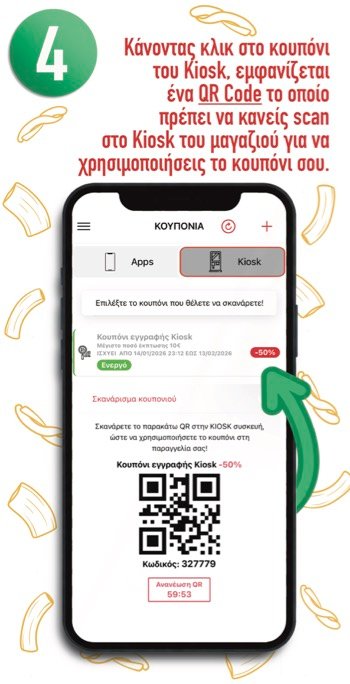
Select a coupon in the “Kiosk” tab to display its QR code. Scan it at the store’s kiosk to use the coupon.
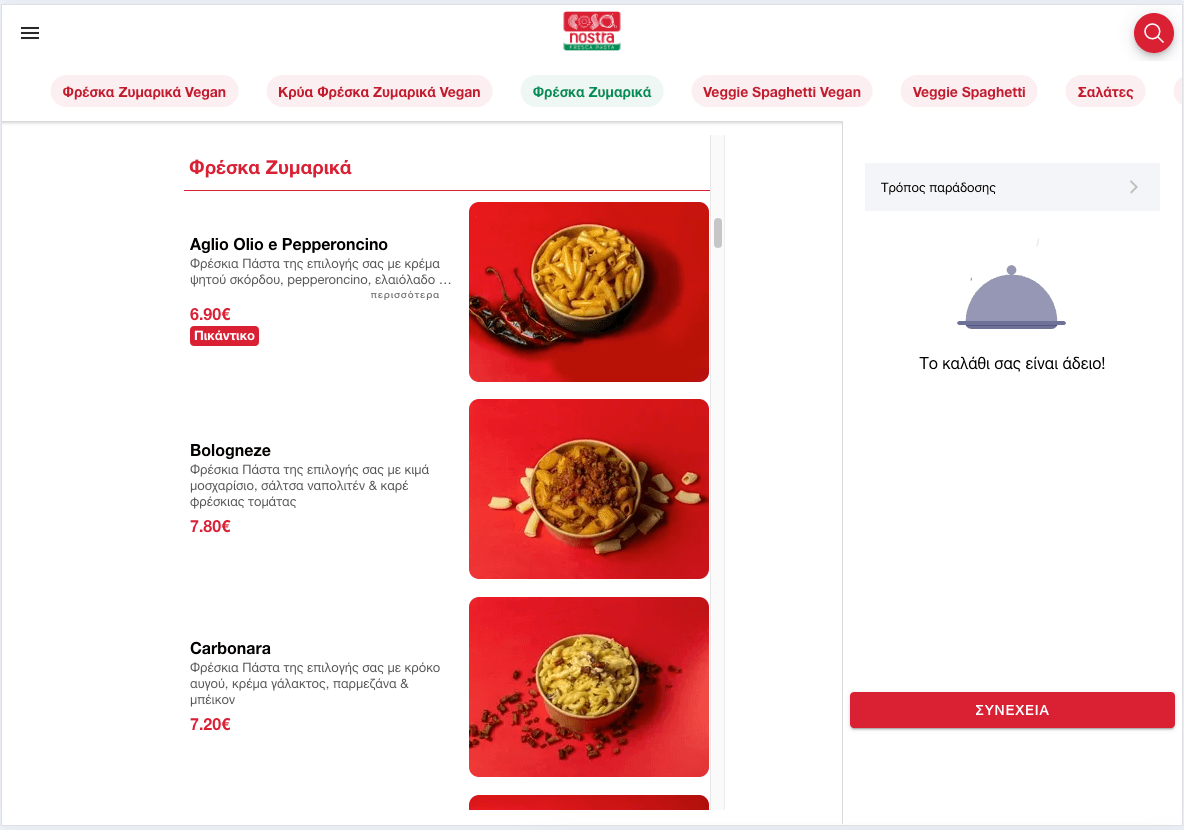
The screenshots show the Greek app interface.
Cosa nostra fresca pasta
Follow our app guides and place your order online more easily and quickly than ever.